Park Western: WWU Mobile App
A mobile parking application for Western Washington University, giving WWU commuters a better understanding of parking avilability on campus.
Users:
WWU Students, Guests, and Faculty.
Problem:
Finding reliable parking on campus during peak school hours is an issue that plagues WWU students and guests alike. Knowing which lots are already full and which have spaces still available can be a struggle. Which can result in unnecessary lateness or tardiness to events and classes on campus.
Solution:
Through the use of newly installed parking lot cameras with image detection software, and a new mobile parking application for Western Washington University, these problems can be alleviated. The proposed technology relies upon cameras that track available parking lot spaces and also provide users with a live feed of parking lots. Giving them a better visual indicator, along with metric data, of how crowded certain lots ares. The mobile parking application gives users a live camera feed and number of available parking spaces for each parking lot on campus . These parking lots are sorted between student, guest, and faculty parking, so the experience is tailored to each of these user groups.
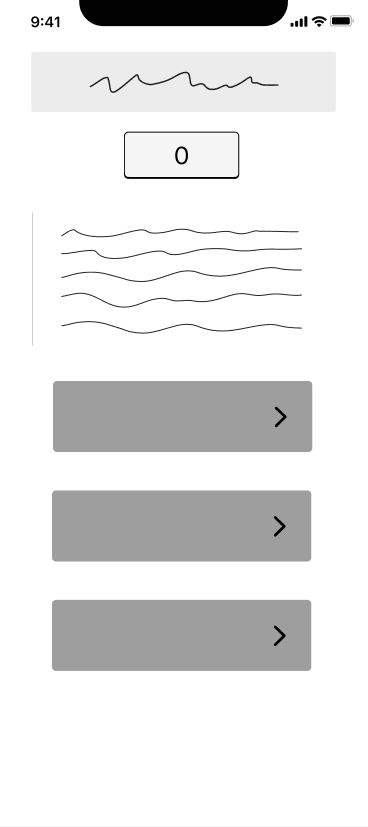
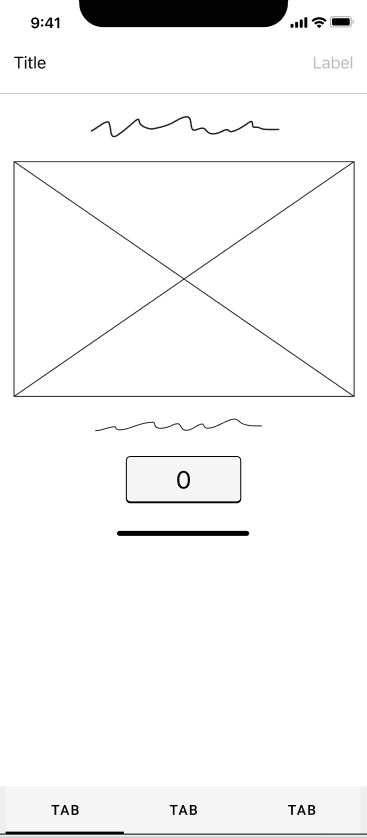
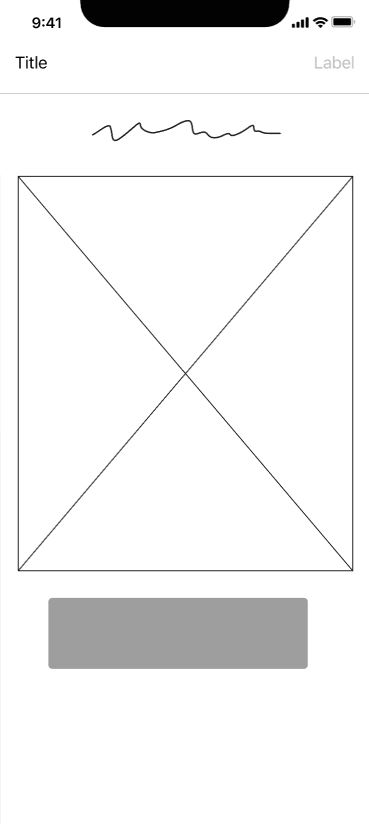
MOCKUP WIREFRAMES
The design was created initially using a wireframe to develop a low-fidelity mockup of the necessary features, pages, navigation, and components for the next design iteration. In this wireframe, the homepage, parking, and map pages were planned out, creating a flow between the main homepage and to the subpages of the system. The notice page was created later, after the inital wireframes.
BRAND RESEARCH
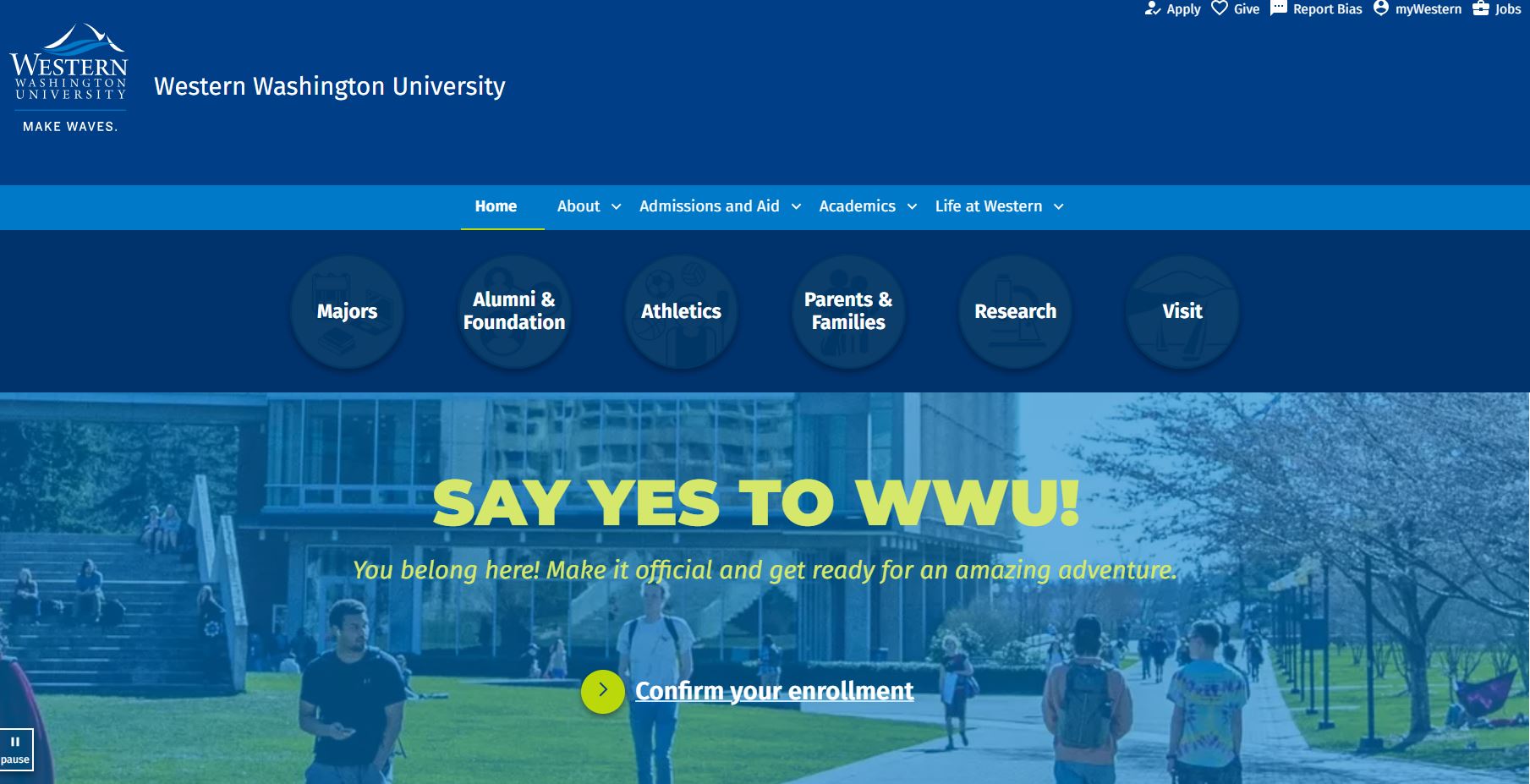
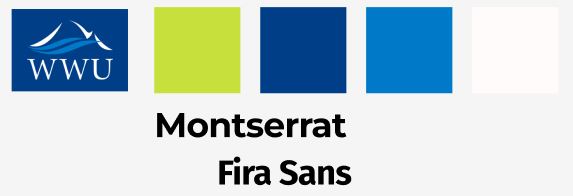
As the application is tied to the existing brand entity of Western Washington University, I needed to ensure that the design looked and felt like it belonged to WWU's trademark by following in cohesive design. After some research of their websites and designs, I identified specific colors (light green, blues, white) and fonts (montserrat, Fira Sans) for use in the application.
HOME SCREEN

The home screen promptly greets users with the number of available spots and lots. Immediately providing them with relevant data, if a user only wants to take a quick glance at the application. For users wanting to look further, they have three simple navigation options. The home screen functions as a hub to store the crux of the app's information and routes all navigation to the various subpages.
PARKING SCREEN
The first option for navigation is to look at parking availability across lots on WWU's campus. These parking lots are sorted into student, faculty, and guest parking, the three user groups for the application. By default, student parking is shown first. Each relevant parking lot for the current user group is shown as a "card" with information on the current lot, including live camera feeds. Users have the ability to star lots, which will then show up first in the list of parking lots, allowing users to easily access their preferred lots faster. Furthermore, users can select "park now" which will pull up the relevant lot information in Park Mobile. The university currently uses Park Mobile as their pay-to-park application. So, our application allows users to seamlessly check availability, and then park on demand. This reduces the overhead work that WWU would need to put forth in order to develop the application.
PARKING MAP

The parking map allows for users to search all parking lots on campus through a bird's eye view. Giving users a better sense of where unfamiliar lots are located, especially for those who are new to campus or visitors. Users can use their fingers to pinch and scroll through the map. Parking lots are sorted by student, guest, and faculty parking. Lots not available for the current user group are grayed out, while those that are available, can be clicked on to show more information, such as name, lot size, and designation. Selecting a lot also allows a user to elect to "park now" which pulls up the relevant parking information in Park Mobile (further discussed in the above section).
PARKING NOTICES
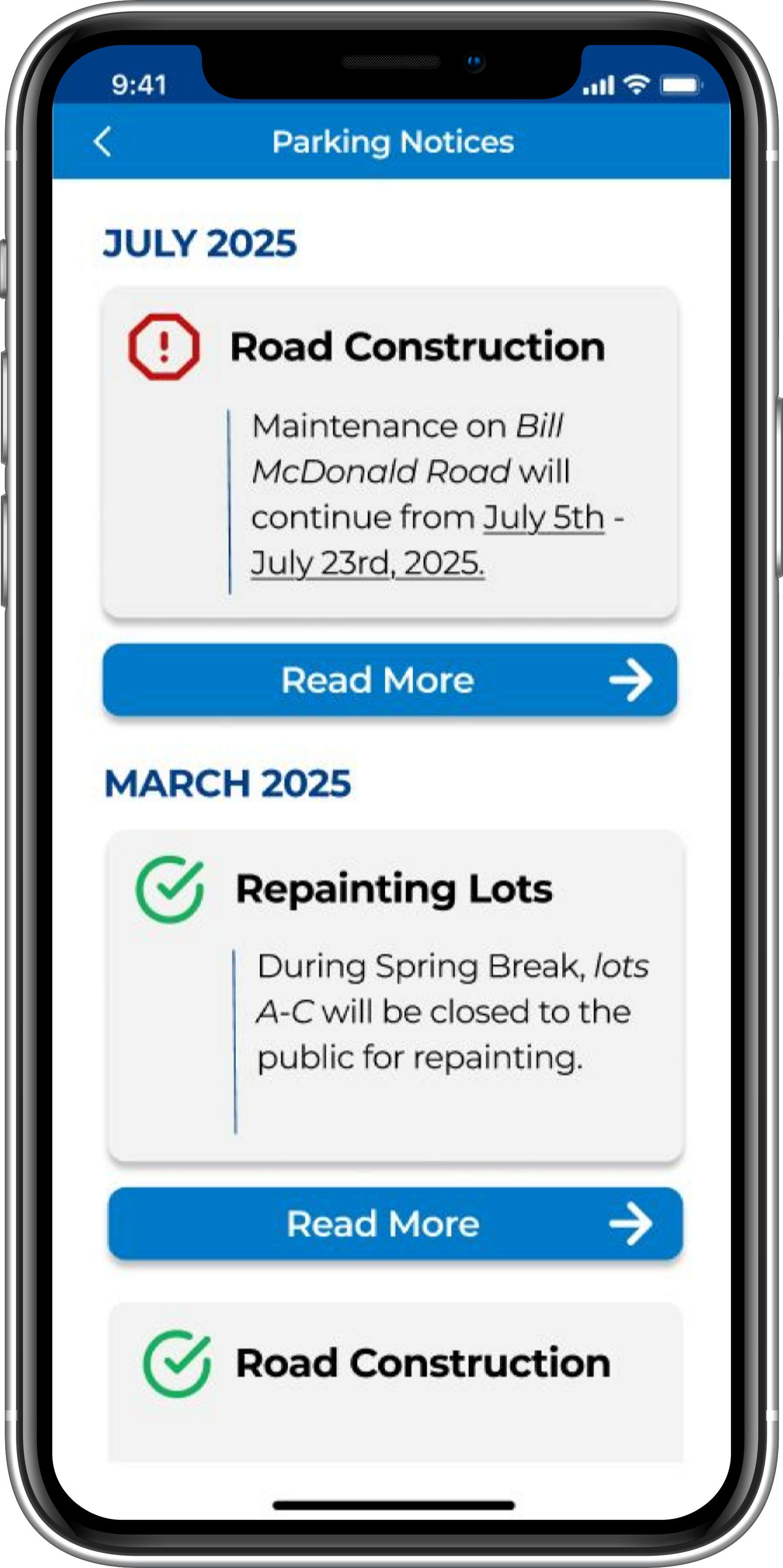
The parking notices page is used to deliver university issued notices related to parking. Notices are sorted by month and year, from most recent notices to oldest. Additionally, notices marked in red are ongoing, while green marked notices have been completed, allowing for users to see past notices while keeping updated with current ones. Clicking the 'read more' button will link users to the university webpage with the official notice.
FINAL DESIGNS
The design of the mobile application emphasizes sleek simplistic design, easy navigation, color cohesion, brand identity, and readability. Additionally, the application design responds to the problem of finding parking availability on WWU's campus, with the most minimally invasive and easy to implement design.










.png)
.png)
.png)
.png)